
GST Update: How to Use the New IMS Offline Tool for Bulk Invoice Actions
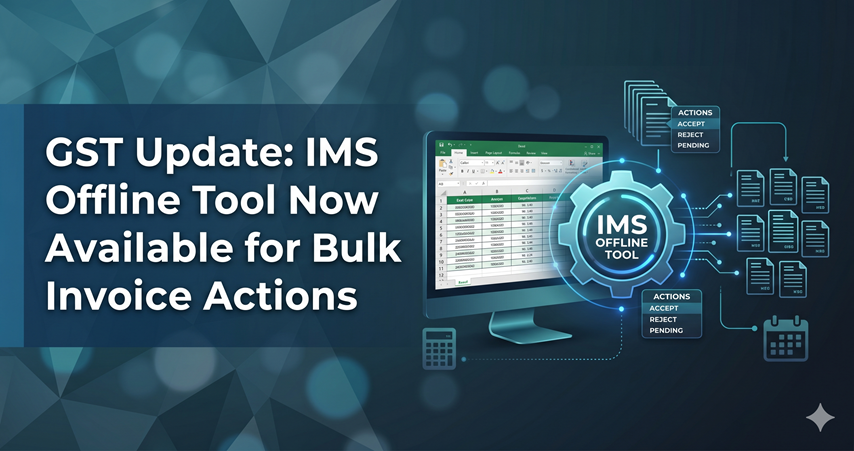
If your accounting team has been spending hours waiting for the GST portal to load while trying to manage Input Tax Credit (ITC), there is finally some good news. On April 21, 2026, the GSTN released Advisory No. 658, launching an Excel-based Offline Utility for the Invoice Management System (IMS). This means you can now process your inward supply invoices offline without dealing with slow load times or website timeouts.
Why the Move to Excel Makes Sense
The Invoice Management System is a helpful feature for tracking ITC by letting you accept, reject, or keep supplier invoices pending. However, manually clicking through dozens or hundreds of invoices directly on the portal is exhausting.
The newly released IMS Offline Utility (Version 1.0) shifts all that heavy lifting into Microsoft Excel. By moving the workflow offline, businesses can manage bulk invoice processing at their own pace, cutting down on manual data entry and removing the need for a constant, high-speed internet connection during reconciliation.
What Can the Offline Tool Do?
-
Update Invoices in Bulk: Instead of updating records one by one, you can apply actions like Accept, Reject, or Pending across massive batches of invoices simultaneously.
-
Catch Errors Early: You don't have to worry about offline mistakes causing portal issues. The Excel utility follows the exact same validation rules as the live online dashboard, catching errors before you upload.
-
Quick Error Fixing: If a validation error does happen during upload, the GST portal generates an error file. You simply download it, open it in the offline tool to fix the specific highlighted rows, and generate a new file to upload.
Need help with this? Talk to A&D Consultancy → -
Smoother Bookkeeping Services: Because you can work in Excel, matching your internal purchase registers with portal data is much easier. This makes routine bookkeeping services and month-end closing far more efficient.
How the Process Works
Using the tool is a simple four-step process:
-
Download: Grab the IMS Offline Tool zip file from the 'Downloads' section of the GST Portal. Make sure to enable macros when you open the Excel file.
Need help with this? Talk to A&D Consultancy → -
Export Data: Log into the portal, go to the IMS Dashboard under the 'Services' tab, and generate a JSON file of your current invoices.
-
Review Offline: Import that JSON file into the Excel utility. Review your records, pick the right actions from the drop-down menus, and hit "Validate Sheet" to check for mistakes.
-
Upload: Click "Generate JSON File to Upload" and submit that final file back onto the GST portal.
Setting Up for Success
Tax compliance shouldn't pull you away from actually running your business. Whether you are handling complex monthly GST Filing in Bangalore or simply looking for more efficient ways to manage your standard GST Filing across the country, using this offline tool is a practical necessity.
Additionally, if you are a new startup currently searching for "GST registration near me" or looking to finalize your GST registration in Bangalore, setting up these offline reconciliation habits from day one will help you avoid costly ITC mismatches and protect your cash flow.
For expert guidance on this topic, contact your tax professional today.
Have Questions? We're Here to Help
Get expert advice from A&D Consultancy. Reach out to discuss your requirements.